The operating system for private security.

Agencies post shifts. Licensed professionals work them.

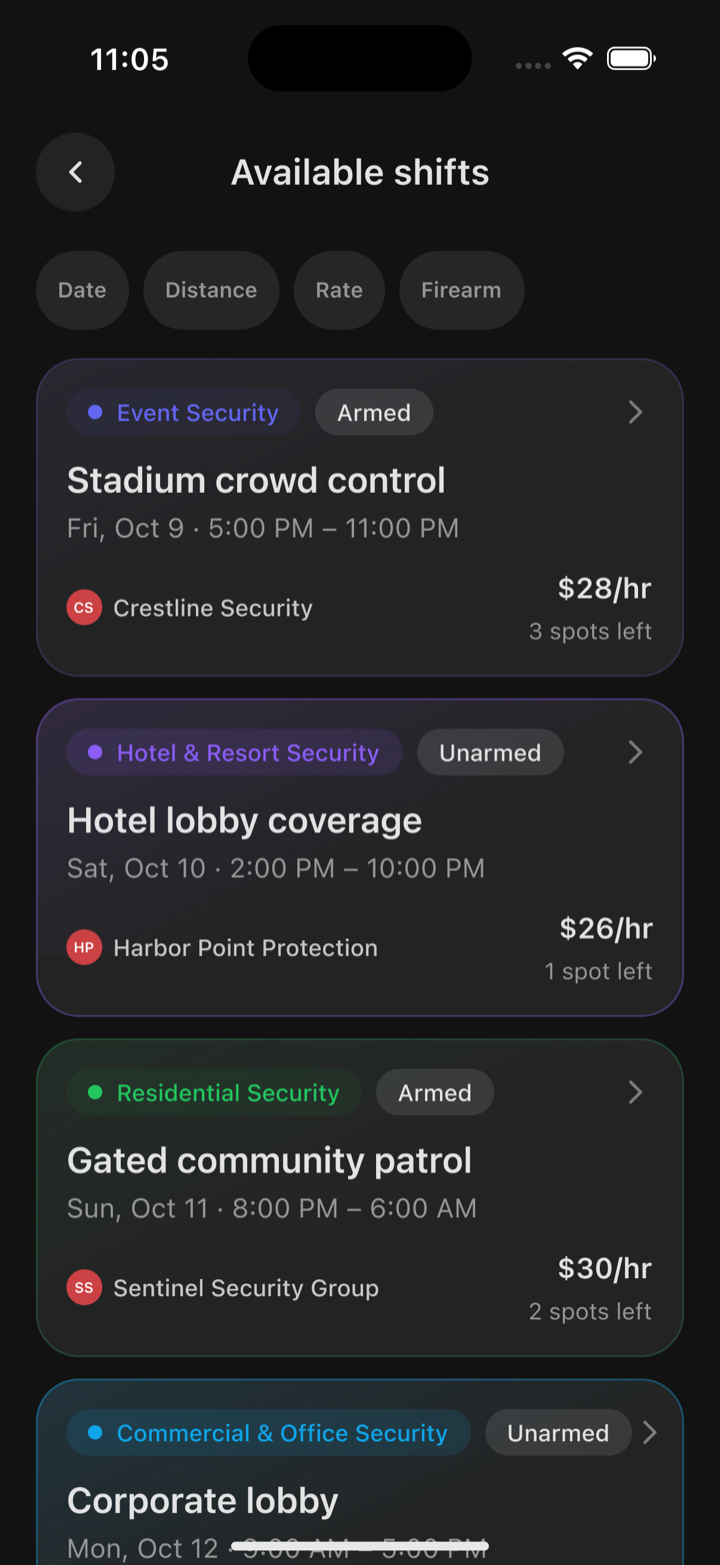
The Available shifts list in Oniris with filters and shift cards showing type, Armed or Unarmed, hours, agency, rate and open spots.
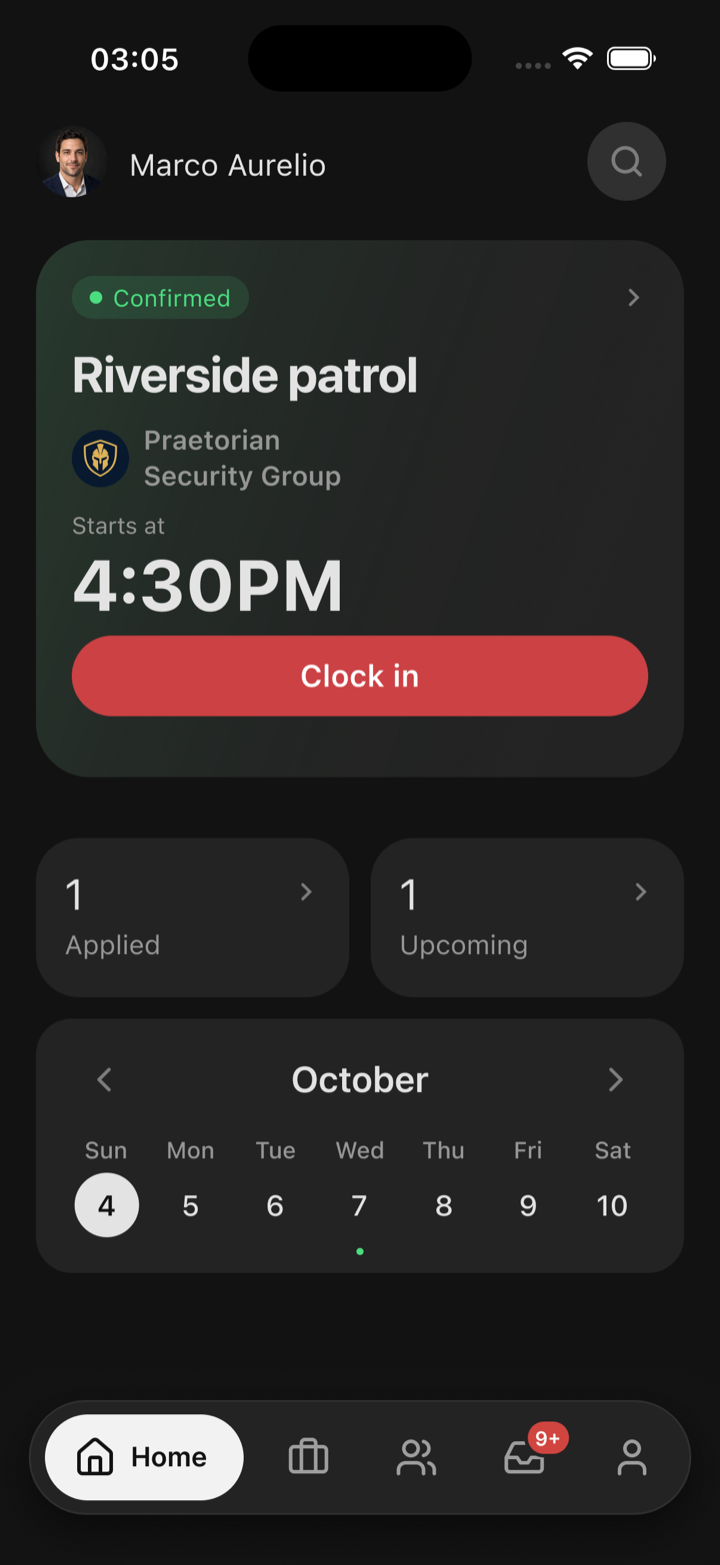
The Oniris home screen with a confirmed shift and a Clock in button.
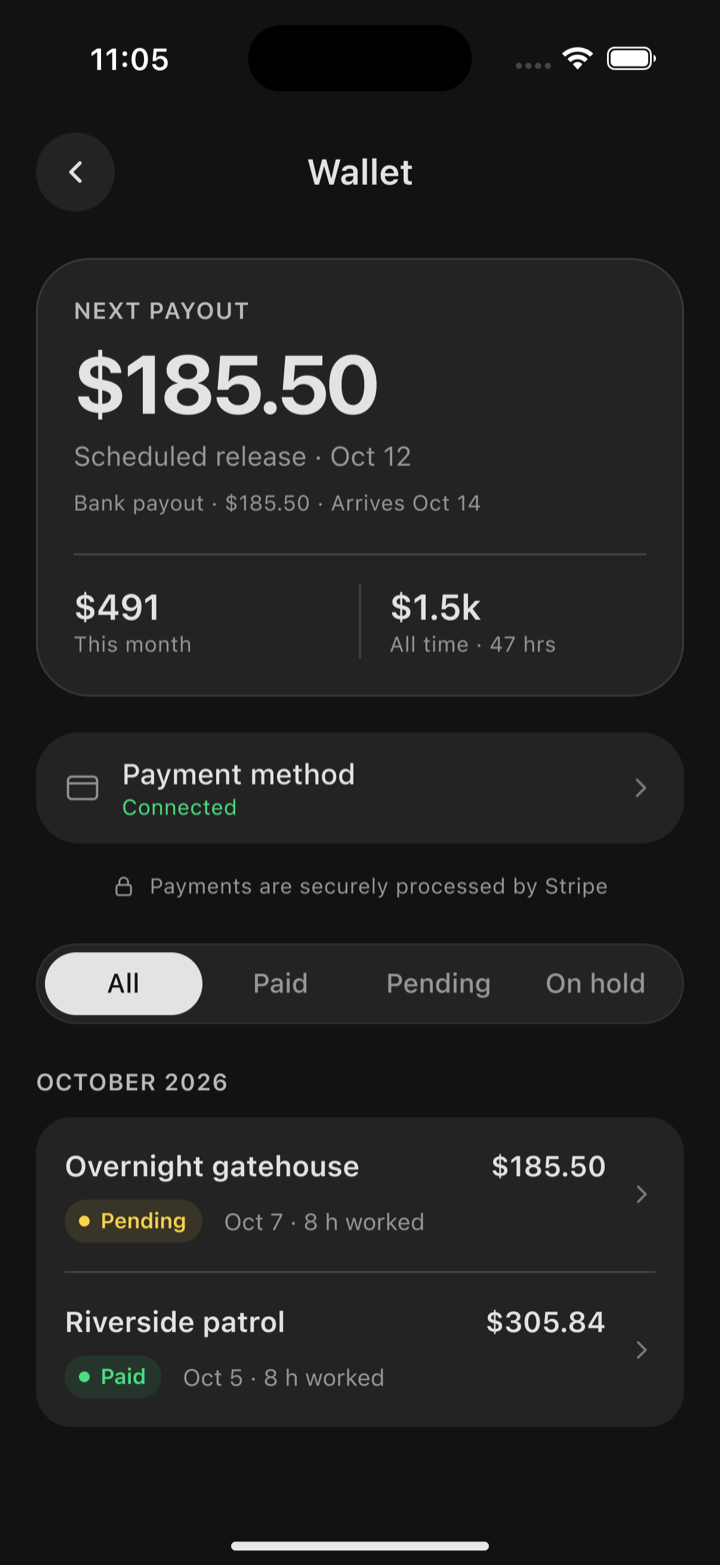
The Oniris Wallet showing the next payout, payment method and payment history.

The hard parts of security staffing, built in.

  • Structured shift posting

  • License-gated access

  • On-site attendance checks

  • Payment infrastructure

  • Controlled communication

  • Reputation and repeat staffing

Manage every posted shift with less manual coordination.

  • Post requirements once and review applicants in one queue.
  • Track accepted security professionals, attendance, and completion status.
  • Keep billing tied to completed shifts instead of separate follow-up.
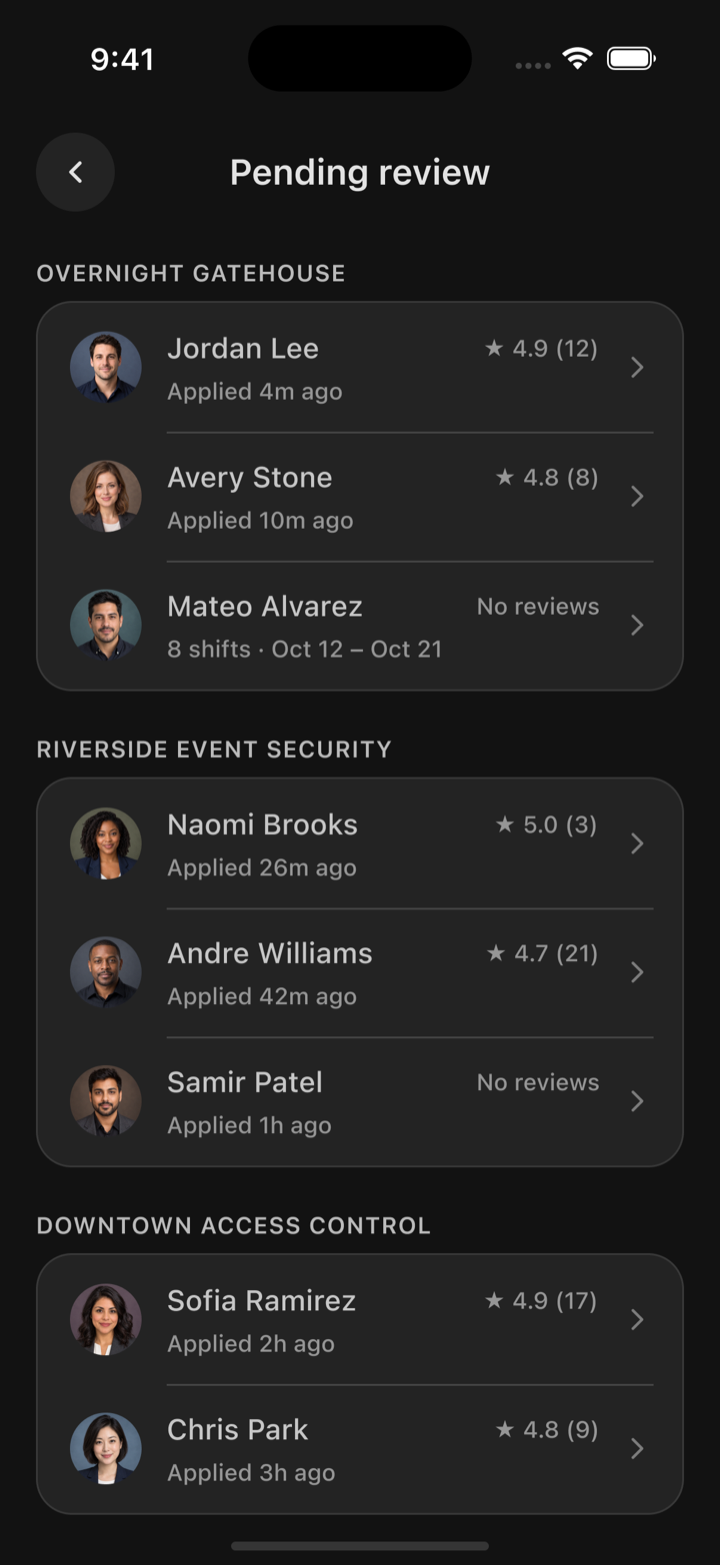
The Pending review screen in Oniris listing security professionals who applied to each shift.

Find eligible work and keep the shift record clean.

  • Browse shifts by state, license fit, schedule, and rate.
  • Apply, check in, clock out, and report incidents in-app.
  • Use connected payouts instead of chasing manual payment updates.
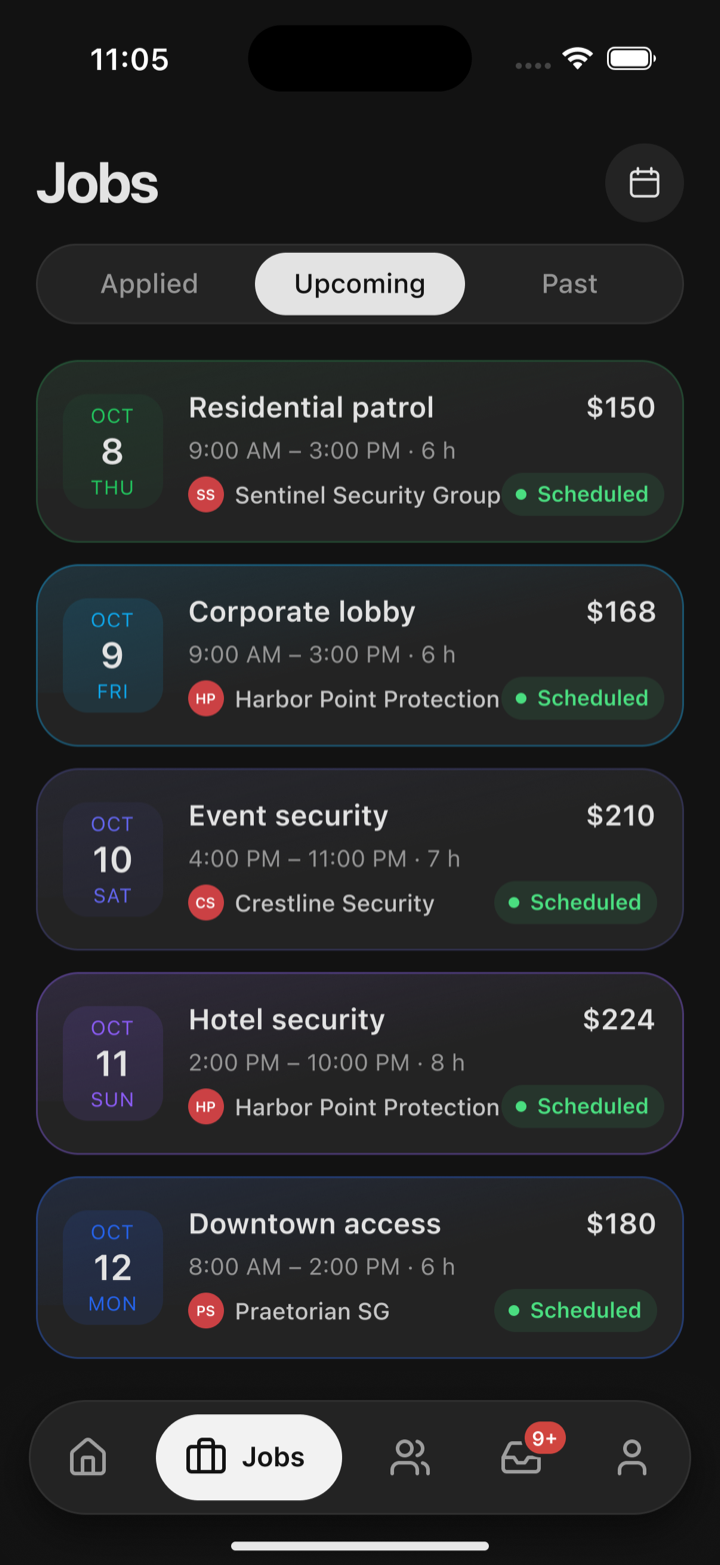
The Jobs tab in Oniris on Upcoming, listing scheduled shifts with dates, hours, agencies and pay.

A clear record before, during, and after every shift

  1. Before

    Create the engagement

    An agency posts the shift requirements; security professionals apply only after their account and license status allow it.

  2. During

    Work with a live record

    Accepted security professionals check in, communicate, file incident reports when needed, and clock out against the shift.

  3. After

    Close the loop

    Completion updates payment status, ratings, and the operational history both sides rely on next time.

Need help reviewing the workflow?

For account setup, licensing, payments, or support issues, reach the Oniris team directly.

Contact Support